Ultra Fast Bulk Attachment Download for Jira
Every attachment of a Jira search as one ZIP. Thousands of files in seconds.

Every attachment of a Jira search as one ZIP. Thousands of files in seconds.
Sooner or later someone needs the files, not the work items: an auditor wants every invoice attached last year, a customer asks for all the logs of an incident, a project is being archived. Jira lets you download attachments one work item at a time. This app does it for a whole search.
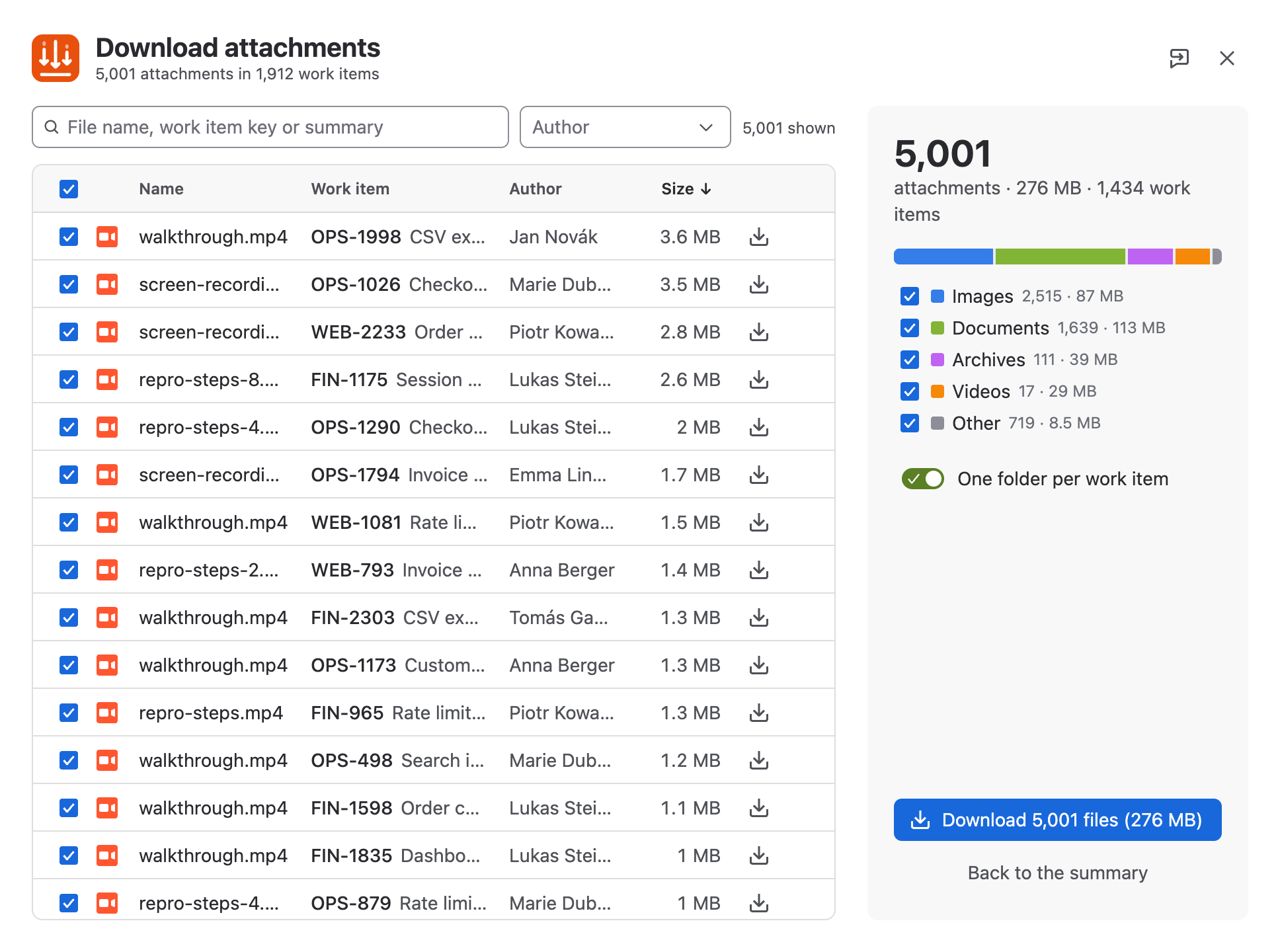
Run a search, choose Download all attachments, ultra fast and press Download. Your browser saves a single ZIP, with one folder per work item if you want.
| Work items in the search | 13,868 |
|---|---|
| Attachments | 13,948 (552 MB) |
| Finding the attachments | 2 to 6 s |
| Total, click to finished ZIP | about 100 s |
| Files per second | about 140 |
| Parallel requests | up to 64 |
Measured on Jira Cloud in November 2026 with Google Chrome. Small files, which is what most Jira attachments are, are limited by the number of parallel requests. Large files are limited by your internet connection, as with any download.
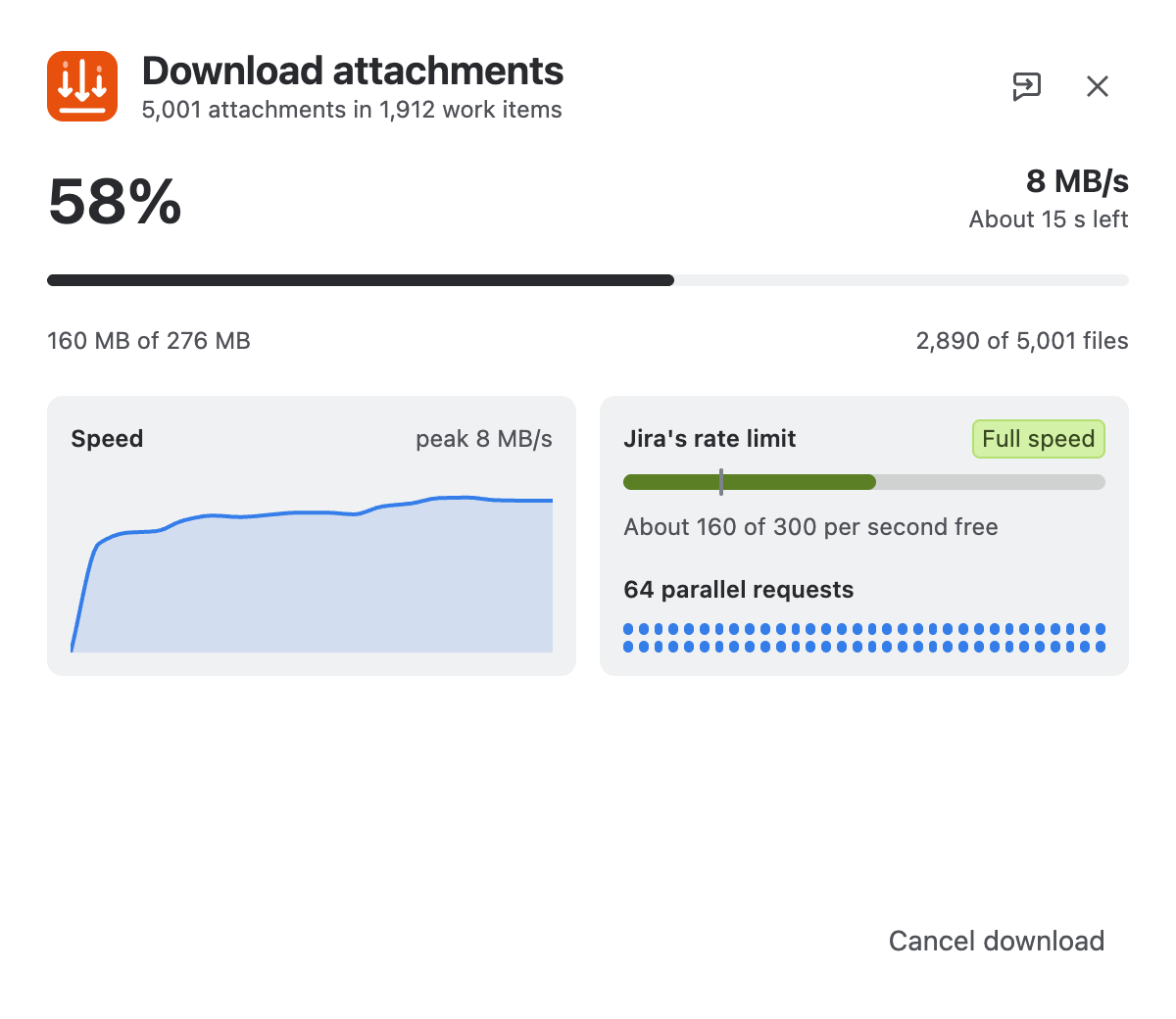
Jira allows every site a certain number of requests per second and tells each app how much of that is left. Most download tools ignore this. They either crawl to be safe or run into errors.
This app reads the remaining budget from every response. While there is room it opens more connections, and when the budget drops it closes some. If Jira does refuse a request, the app waits exactly as long as Jira asks and carries on. A big download does not slow Jira down for your colleagues.
| Situation | What the app does |
|---|---|
| A request fails | It is retried up to seven times, with growing pauses. |
| A file cannot be fetched at all | It is skipped and listed by name. The rest of the ZIP is complete, and each listed file can be downloaded on its own. |
| Jira asks the app to slow down | The app waits exactly as long as Jira asks, then continues. |
| The disk is full | The app says so, instead of failing without an explanation. |
| The download is cancelled in the browser | The app stops at once. |